Yes, absolutely. You have two main ways to monitor the performance of the Providers you're currently following:
1: Check the Provider Ratings
Before and during your subscription, you can review the Provider’s Performance History to assess consistency and reliability.
Look for key metrics in the Providers Ratings section:
Return – Overall profitability of the strategy.
Max Profit – Highest profit achieved over a specific period.
Max Drawdown – The largest historical drop in account equity, showing the strategy's risk level.
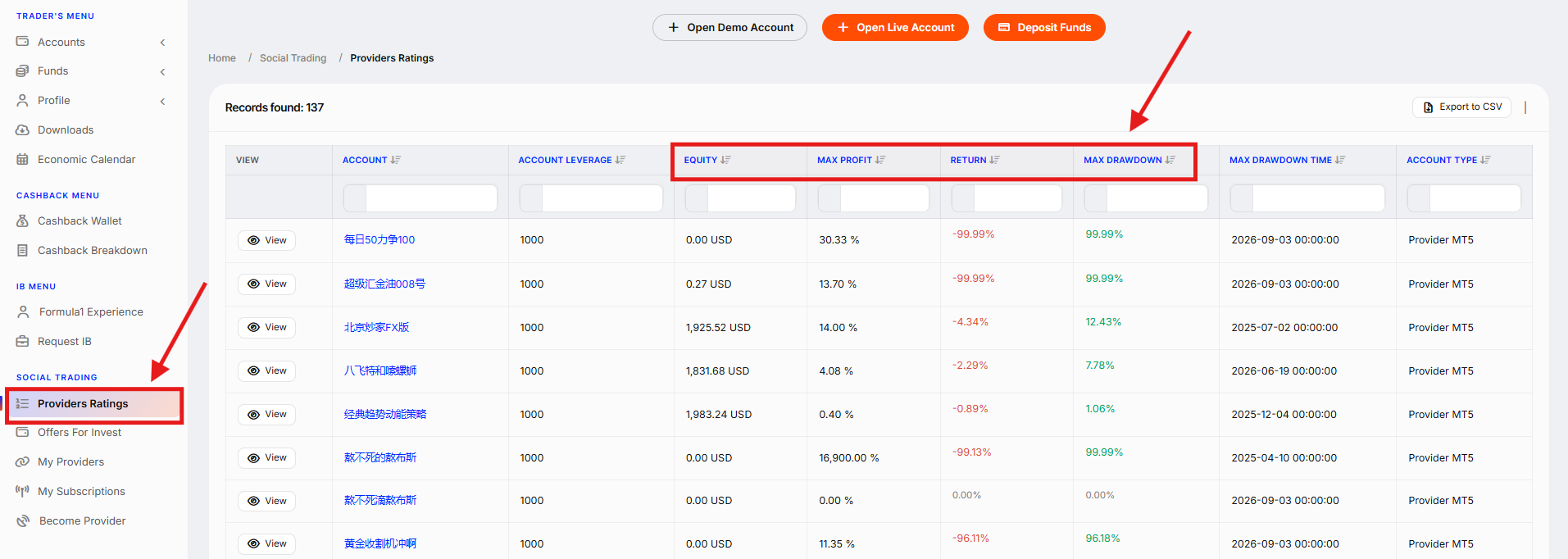
These indicators help you decide if the Provider’s approach continues to match your expectations.
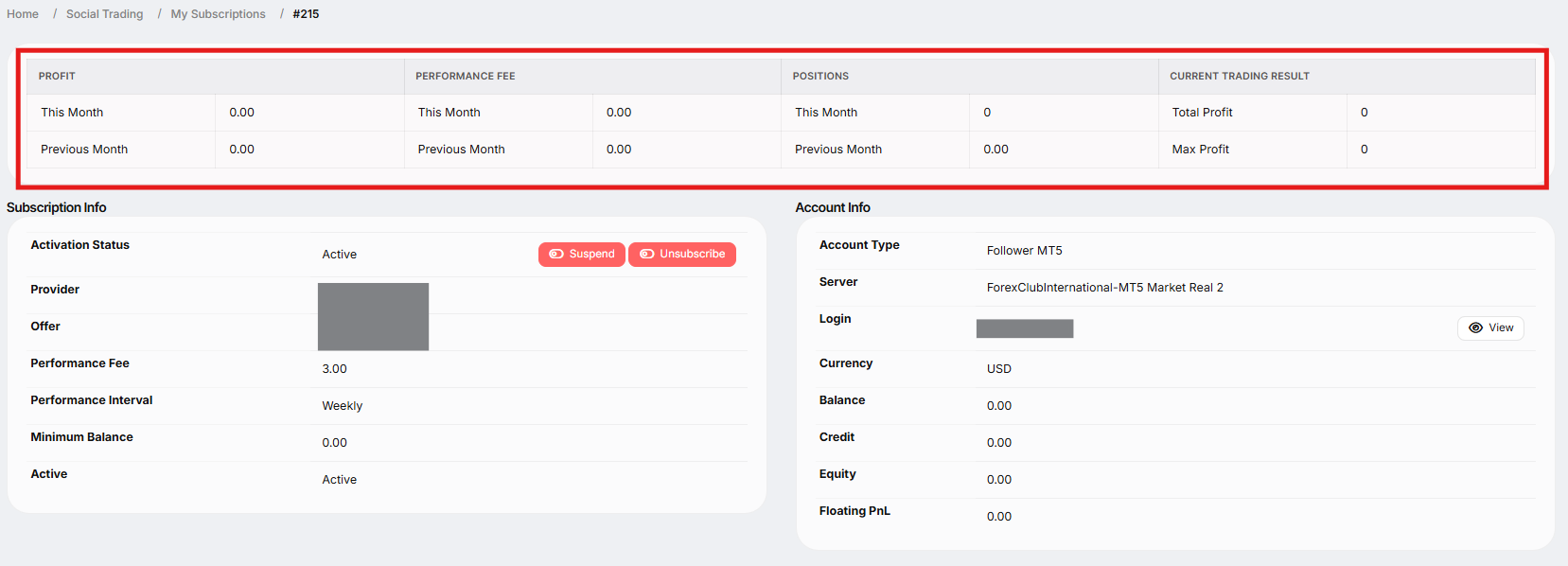
2: Monitor via My Subscriptions
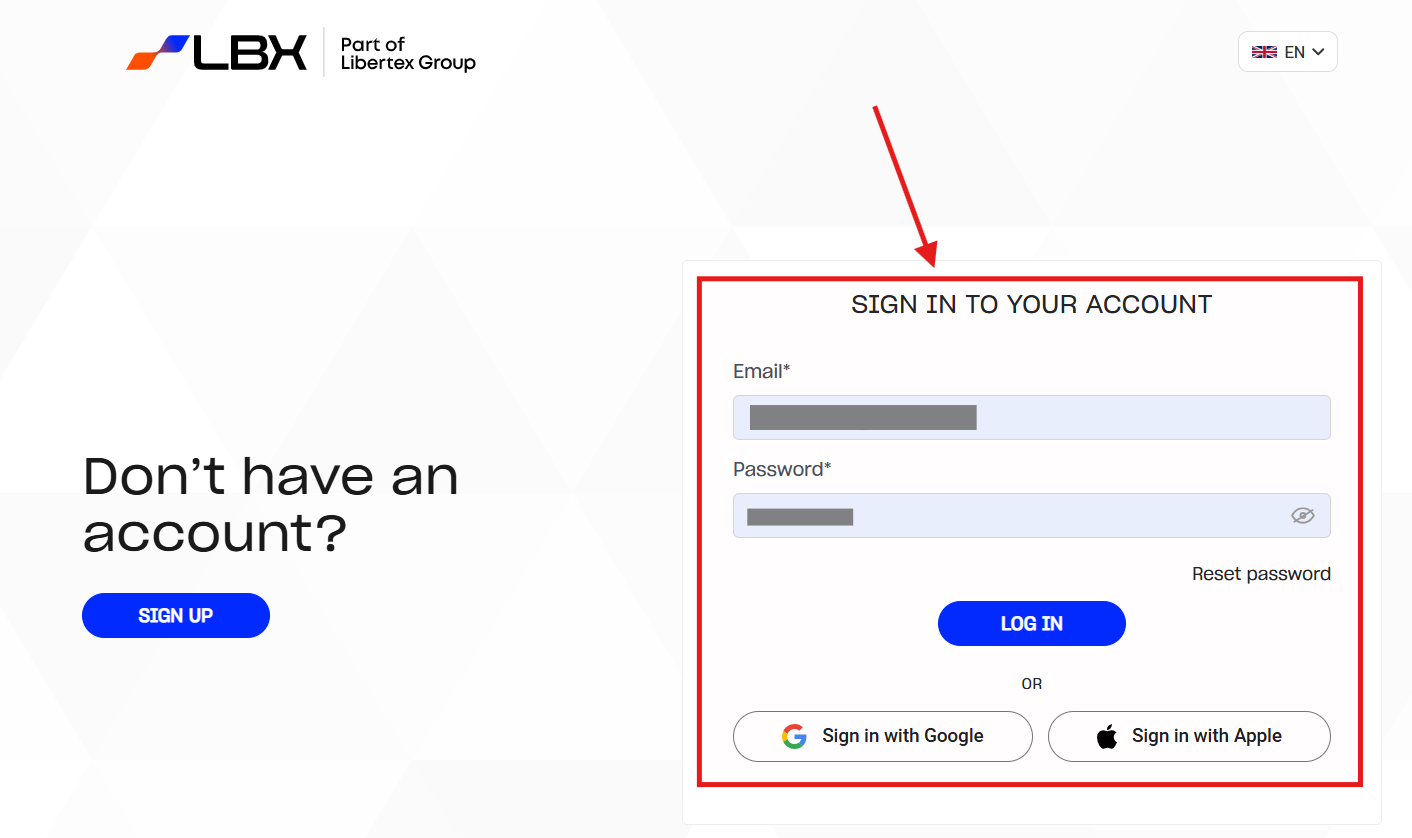
Log in to the account
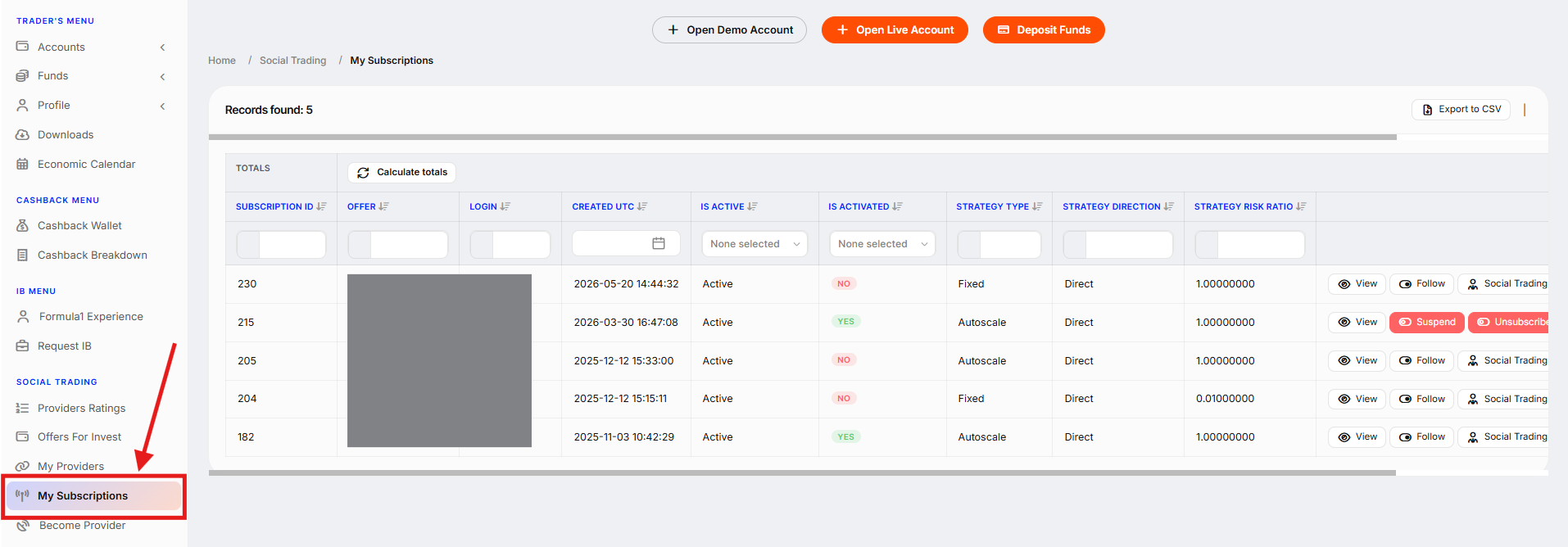
Go to the Social Trading section and click on "My Subscriptions".
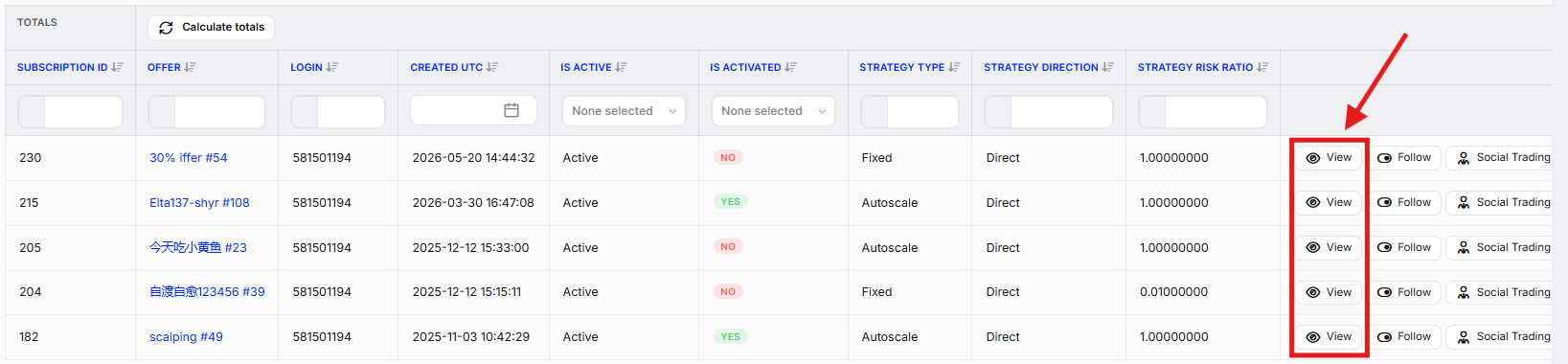
Find the Offer you want to track and click "View".
You'll see a detailed breakdown including:
Profit/Loss
Performance Fee charged
Open Positions
Current Trading Result from the copied strategy
Staying informed helps you make smarter decisions about continuing, suspending, or switching Providers.
Was this article helpful?
That’s Great!
Thank you for your feedback
Sorry! We couldn't be helpful
Thank you for your feedback
Feedback sent
We appreciate your effort and will try to fix the article